
M
MacRumors
Guest
Author: Juli Clover
Apple today said that it has discovered an issue that can cause widgets to revert to their default settings after restoring an iPhone or an iPad from backup.
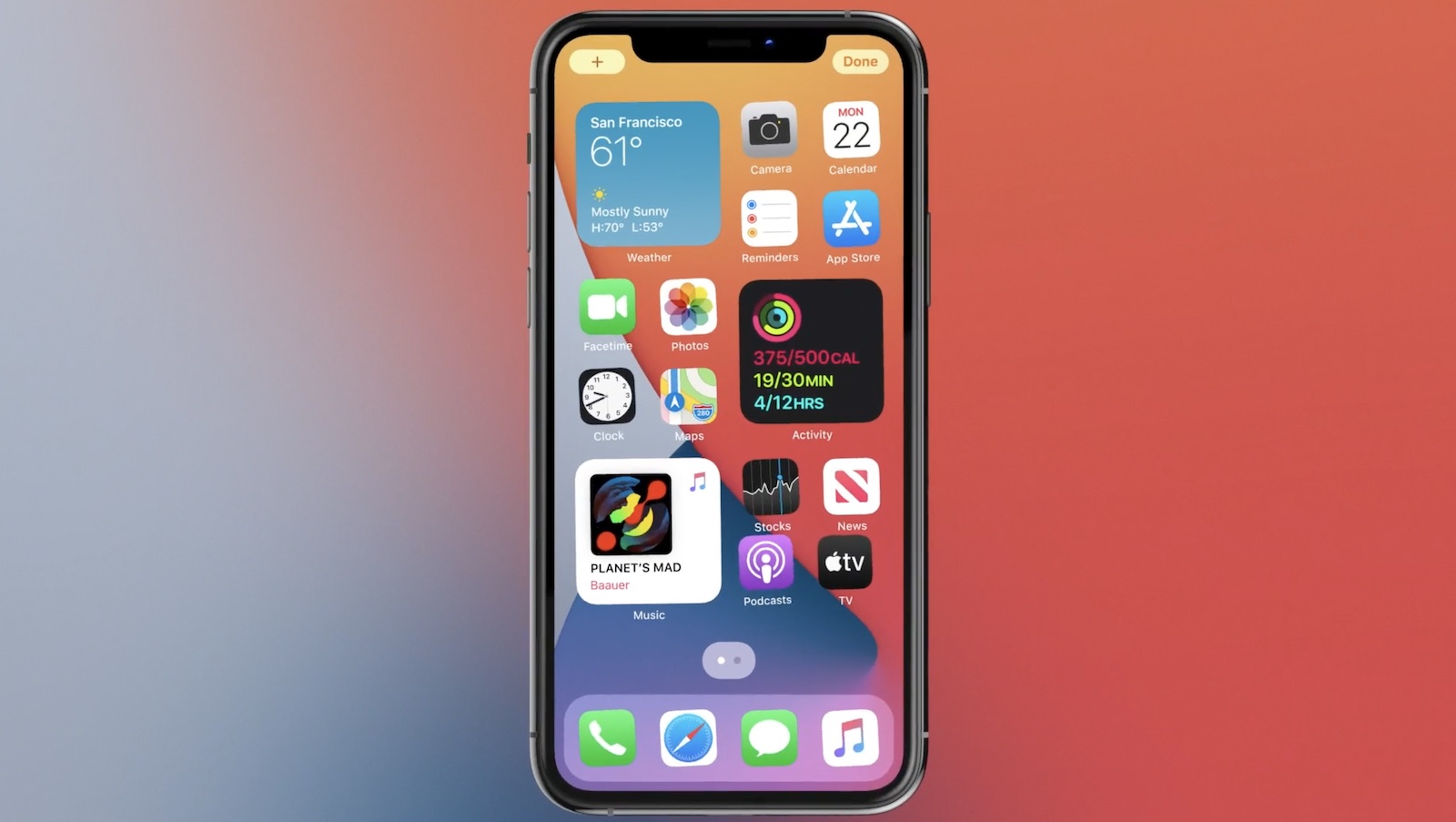
The bug affects "a limited number" of iPhone 13, iPhone 13 mini, iPhone 13 Pro, iPhone 13 Pro Max, iPad 9, and iPad mini 6 devices.
Apple says that those who run into this issue will need to customize their widgets again. Customizing a widget can be done by following these steps:
Widgets without an edit option do not have settings that can be modified. Customers who are receiving one of the new iPhone or iPad devices today or tomorrow may already be running into this issue, and it is not yet clear how many people may be affected.
Related Roundups: iPad mini, iPad, iPhone 13, iPhone 13 Pro
Buyer's Guide: iPad Mini (Buy Now), iPad (Buy Now), iPhone 13 (Buy Now), iPhone 13 Pro (Buy Now)
Related Forums: iPad, iPhone
This article, "Restoring Some iPad 9, iPad mini 6, and Some iPhone 13 Models From Backup Can Cause Widgets to Reset" first appeared on MacRumors.com
Discuss this article in our forums


Continue reading...
Apple today said that it has discovered an issue that can cause widgets to revert to their default settings after restoring an iPhone or an iPad from backup.
The bug affects "a limited number" of iPhone 13, iPhone 13 mini, iPhone 13 Pro, iPhone 13 Pro Max, iPad 9, and iPad mini 6 devices.
Apple says that those who run into this issue will need to customize their widgets again. Customizing a widget can be done by following these steps:
- Touch and hold a widget to open the quick actions menu.
- Tap Edit [widget name].
- Make your changes, then tap outside of the widget to exit.
Widgets without an edit option do not have settings that can be modified. Customers who are receiving one of the new iPhone or iPad devices today or tomorrow may already be running into this issue, and it is not yet clear how many people may be affected.
Related Roundups: iPad mini, iPad, iPhone 13, iPhone 13 Pro
Buyer's Guide: iPad Mini (Buy Now), iPad (Buy Now), iPhone 13 (Buy Now), iPhone 13 Pro (Buy Now)
Related Forums: iPad, iPhone
This article, "Restoring Some iPad 9, iPad mini 6, and Some iPhone 13 Models From Backup Can Cause Widgets to Reset" first appeared on MacRumors.com
Discuss this article in our forums
Continue reading...