
M
MacRumors
Guest
Author: Tim Hardwick
Apple on Tuesday released an iOS 14.3 update for HomePod and HomePod mini, which Apple's release notes said included "general performance and stability improvements," but it actually failed to mention a new feature that allows the head of a household to assign primary users to different HomePods in the same home.
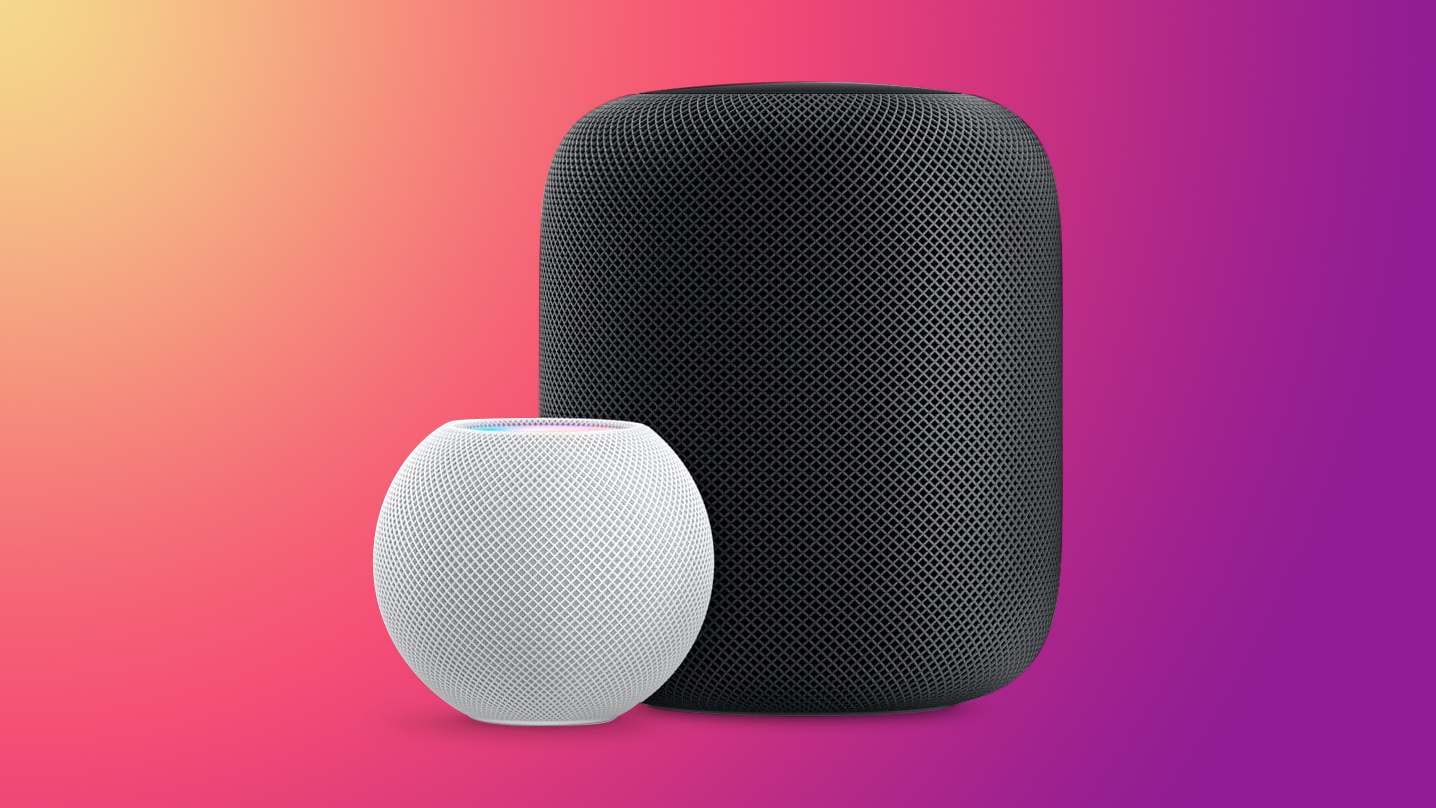
HomePod can automatically recognize voices to personalize music requests, playlists, and recommendations. However, Apple acknowledges that Siri may not always recognize individual voices. Therefore, the new feature allows you to assign a primary user for each HomePod, and when Siri fails to recognize the voice of a user, that HomePod will fall back to the primary user to which it has been assigned and carry out the request. Here's how to access the feature and set it up.

Continue reading...
Apple on Tuesday released an iOS 14.3 update for HomePod and HomePod mini, which Apple's release notes said included "general performance and stability improvements," but it actually failed to mention a new feature that allows the head of a household to assign primary users to different HomePods in the same home.
HomePod can automatically recognize voices to personalize music requests, playlists, and recommendations. However, Apple acknowledges that Siri may not always recognize individual voices. Therefore, the new feature allows you to assign a primary user for each HomePod, and when Siri fails to recognize the voice of a user, that HomePod will fall back to the primary user to which it has been assigned and carry out the request. Here's how to access the feature and set it up.
- Launch the Home app on your iPhone or iPad.
- Press and hold on the HomePod or grouped HomePods that you want to assign a primary user.
- Scroll down to the bottom and tap the settings button (the cog icon) in the bottom-right corner of the interface.

- Under "Music & Podcasts," tap Primary User.
- Select the person that you'd like to assign as the Primary User of this HomePod or grouped HomePods. Alternately, select HomePod Account to use the default account used for Apple Music and Podcasts when Siri fails to recognize the voice that made the request.
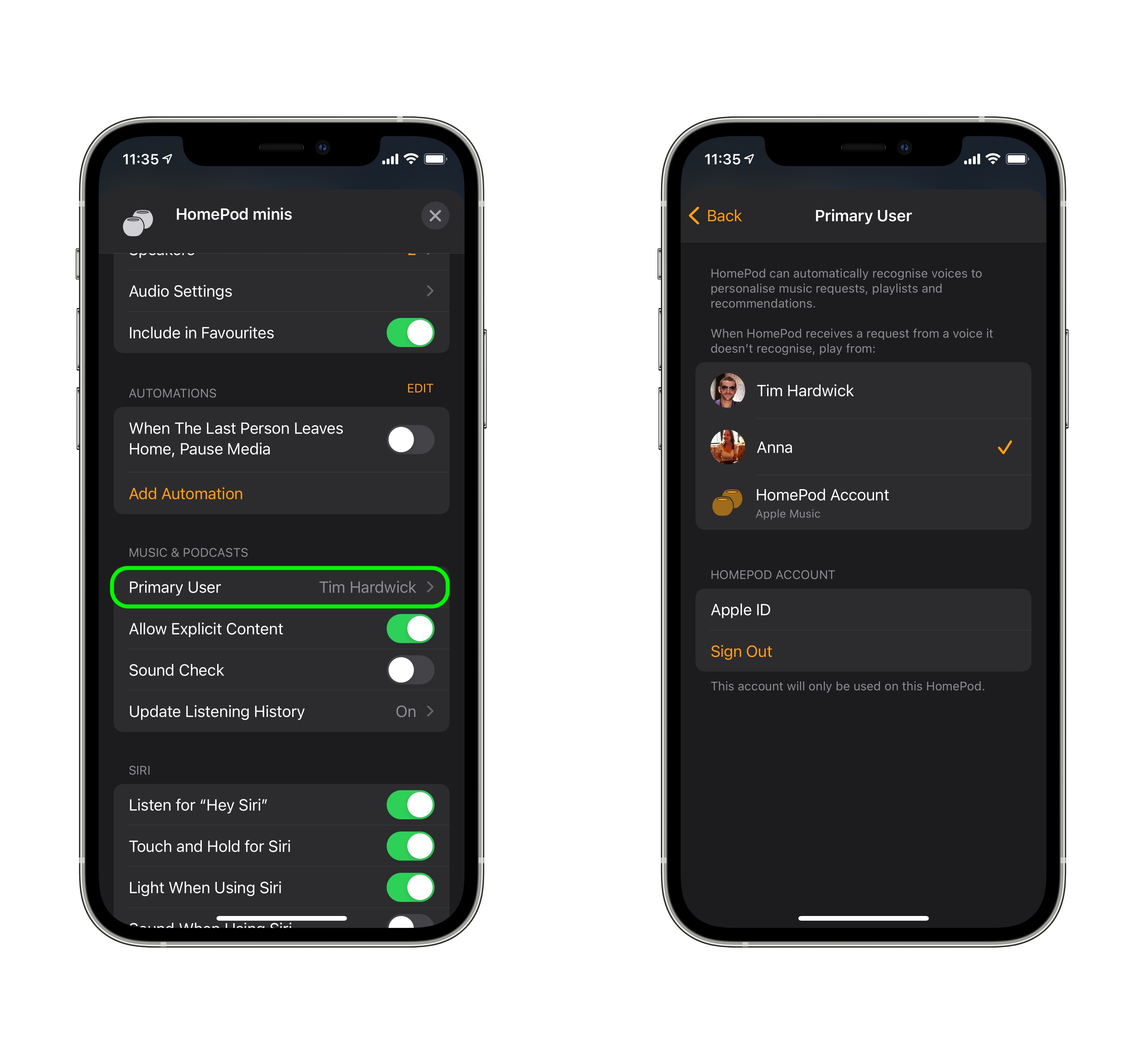
- The feature appears to have been added because Apple recognizes that some homes will have multiple HomePods located in different rooms, some in which particular users may reside more than others – such as in a private bedroom, for example. In other words, if Siri fails to recognize their voice, it can still process their personal request.
The new feature in iOS 14.3 was originally spotted by The 8-bit.
Related Roundups: HomePod, HomePod mini
Buyer's Guide: HomePod (Caution), HomePod Mini (Buy Now)
This article, "How to Assign Primary Users to Individual HomePods in the Same Household" first appeared on MacRumors.com
Discuss this article in our forums
Continue reading...