
M
MacRumors
Guest
Author: Tim Hardwick
For the iPhone 14 series, Apple has added an optional new accessibility feature that plays a sound when the iPhone is powered on and off. Here's how to enable them.
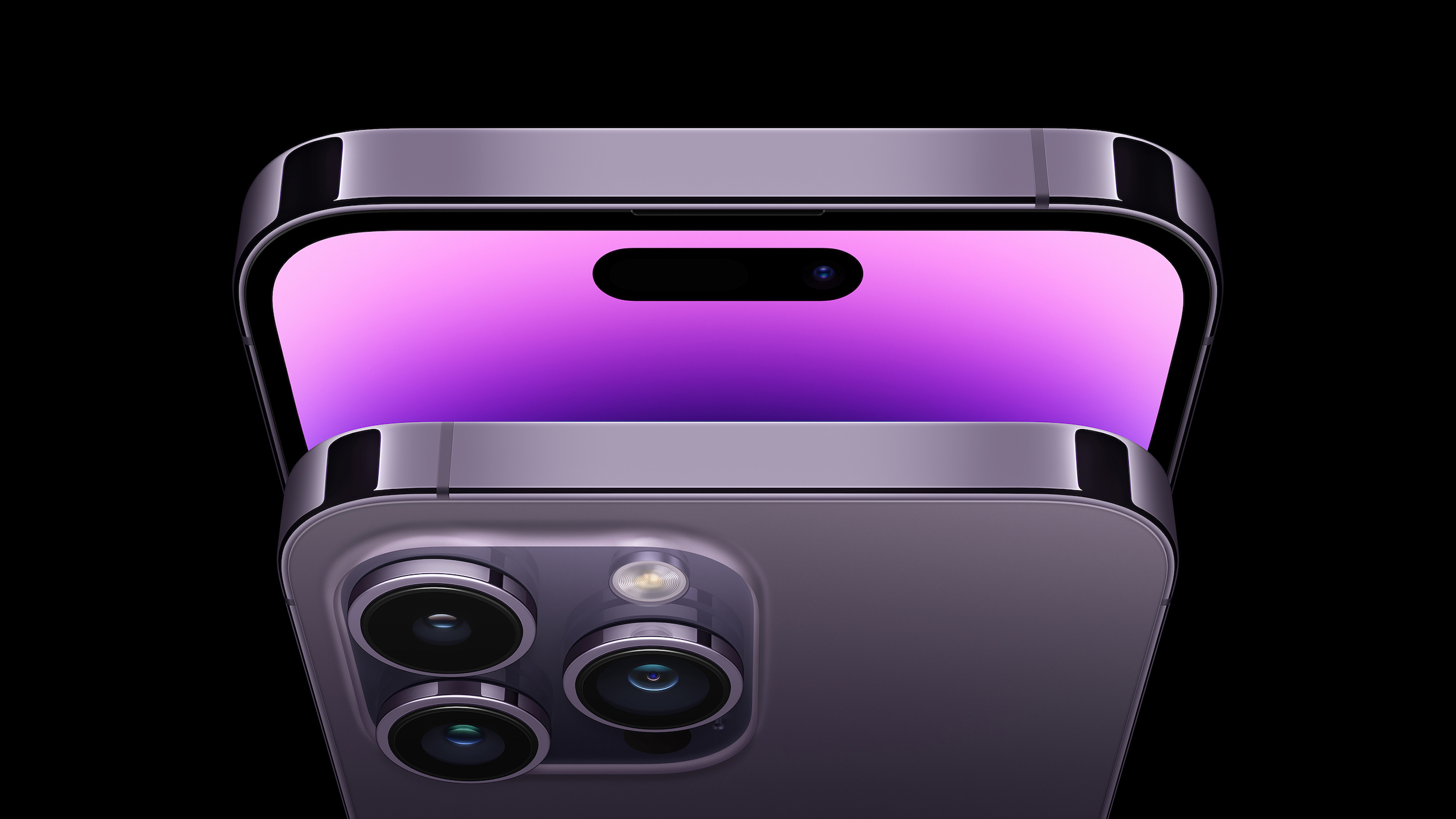
Apple added the startup and shutdown chimes as a new accessibility feature after many Blind users and people with low-vision reportedly asked the company for a clear way to tell whether their iPhone had restarted, and now anyone can enable them.
Here's how to enable the new feature on iPhone 14, iPhone 14 Plus, iPhone 14 Pro, and iPhone 14 Pro Max.
Related Roundups: iPhone 14, iPhone 14 Pro
Tag: Accessibility
Buyer's Guide: iPhone 14 (Buy Now), iPhone 14 Pro (Buy Now)
Related Forum: iPhone
This article, "iPhone 14: How to Enable the New Power On and Off Sounds" first appeared on MacRumors.com
Discuss this article in our forums
Continue reading...
For the iPhone 14 series, Apple has added an optional new accessibility feature that plays a sound when the iPhone is powered on and off. Here's how to enable them.
Apple added the startup and shutdown chimes as a new accessibility feature after many Blind users and people with low-vision reportedly asked the company for a clear way to tell whether their iPhone had restarted, and now anyone can enable them.
iPhone 14 accessibility tidbit: Apple has added a Mac-like startup chime when you boot the phone. My understanding is a lot of Blind and low vision people, even inside the company, wished for a concrete way to tell whether their phone restarted.
— Steven Aquino (he/him) (@steven_aquino) September 7, 2022
Here's how to enable the new feature on iPhone 14, iPhone 14 Plus, iPhone 14 Pro, and iPhone 14 Pro Max.
- Launch the Settings app on your iPhone 14.
- Scroll down and tap through to Accessibility.
- Under "Hearing," tap Audio/Visual.
- Toggle on the switch next to Power On & Off Sounds.
Related Roundups: iPhone 14, iPhone 14 Pro
Tag: Accessibility
Buyer's Guide: iPhone 14 (Buy Now), iPhone 14 Pro (Buy Now)
Related Forum: iPhone
This article, "iPhone 14: How to Enable the New Power On and Off Sounds" first appeared on MacRumors.com
Discuss this article in our forums
Continue reading...