
M
MacRumors
Guest
Author: Juli Clover
Alongside the macOS Ventura 13.3 update, Apple has released new 16.4 firmware that's designed for the Studio Display.
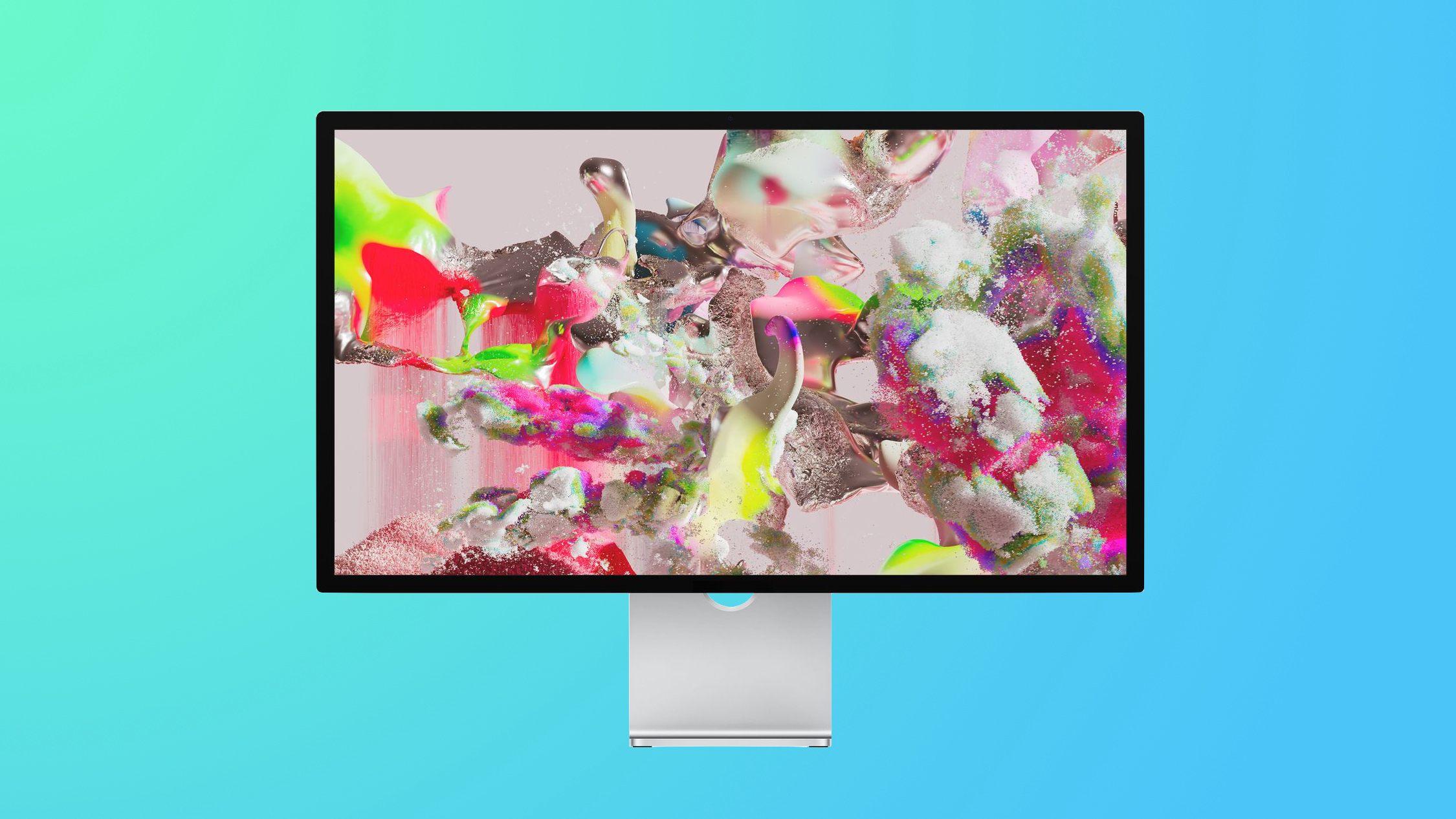
The Studio Display firmware can be updated by connecting it to a Mac. Studio Display owners can go to System Preferences > Software Update to install the firmware.
According to Apple's release notes, the Studio Display Firmware Update 16.4 adds support for in-field recalibration of the display using the Pro Display Calibrator. It allows for specific color workflows that may require custom calibration by an in-house spectroradiometer. The update also includes minor stability improvements.
Related Roundups: Apple Pro Display XDR, Apple Studio Display
Related Forum: Mac Accessories
This article, "Apple Releases Studio Display Firmware Update" first appeared on MacRumors.com
Discuss this article in our forums
Continue reading...
Alongside the macOS Ventura 13.3 update, Apple has released new 16.4 firmware that's designed for the Studio Display.
The Studio Display firmware can be updated by connecting it to a Mac. Studio Display owners can go to System Preferences > Software Update to install the firmware.
According to Apple's release notes, the Studio Display Firmware Update 16.4 adds support for in-field recalibration of the display using the Pro Display Calibrator. It allows for specific color workflows that may require custom calibration by an in-house spectroradiometer. The update also includes minor stability improvements.
Related Roundups: Apple Pro Display XDR, Apple Studio Display
Related Forum: Mac Accessories
This article, "Apple Releases Studio Display Firmware Update" first appeared on MacRumors.com
Discuss this article in our forums
Continue reading...